
My Supernote Experience
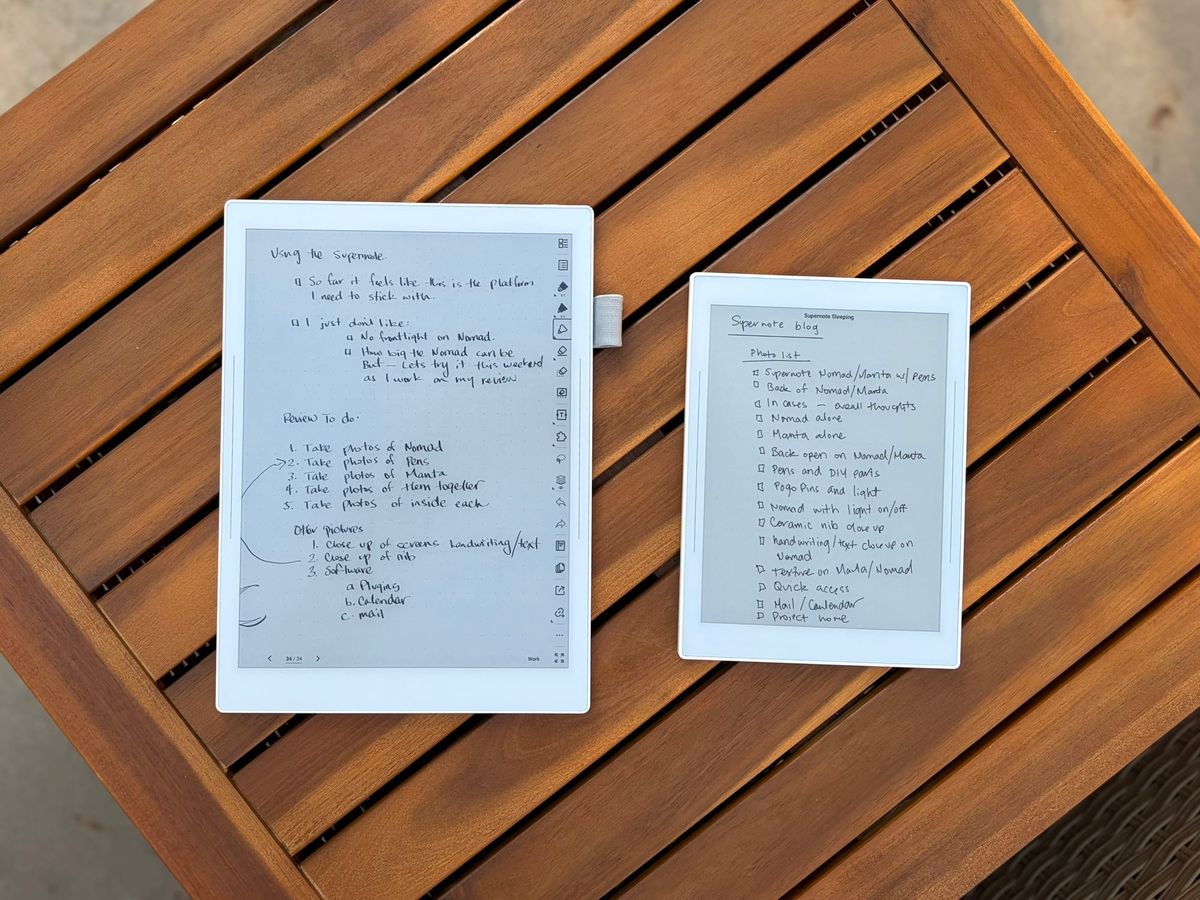
After trying out the Nomad and then the Manta, I have some thoughts.
After dipping my toes into the world of epaper by embracing reMarkable tablets, it is hard not to notice another player in the epaper tablet world: Supernote. I remember seeing a video by Matt Gemmel years ago talking about his Supernote Nomad, but because I wasn’t bought into digital notebooks back then, the price and usability didn’t really make sense to me.
Fast forward to today, and after really loving the reMarkable Paper Pro Move, I thought it made sense that I also check out what Supernote had to offer. Since Supernote’s approach to productivity is completely different than reMarkable, except of course handwriting notes but even that is very different from one another, I felt it would be useful to try out.
In this post I will be talking about the Nomad and Manta at the same time unless I specifically mention on or the other. The software and gestures are identical, but the size and writing feel are a bit different comparatively so I will be talking about those difference too. But just for clarity when I talk about a gesture for one, it is the same gesture for the other.
Hardware
Because the Move has been such a great device for me, I felt it made sense to start with the smaller version of the Nomad so most of my experiences are on the smaller device. I got a used white edition Nomad that came with the blue case and a black Heart of Metal pen. The quality of the device is good, no where near as premium feeling as the Paper Pro Move, but still good for what it is after.
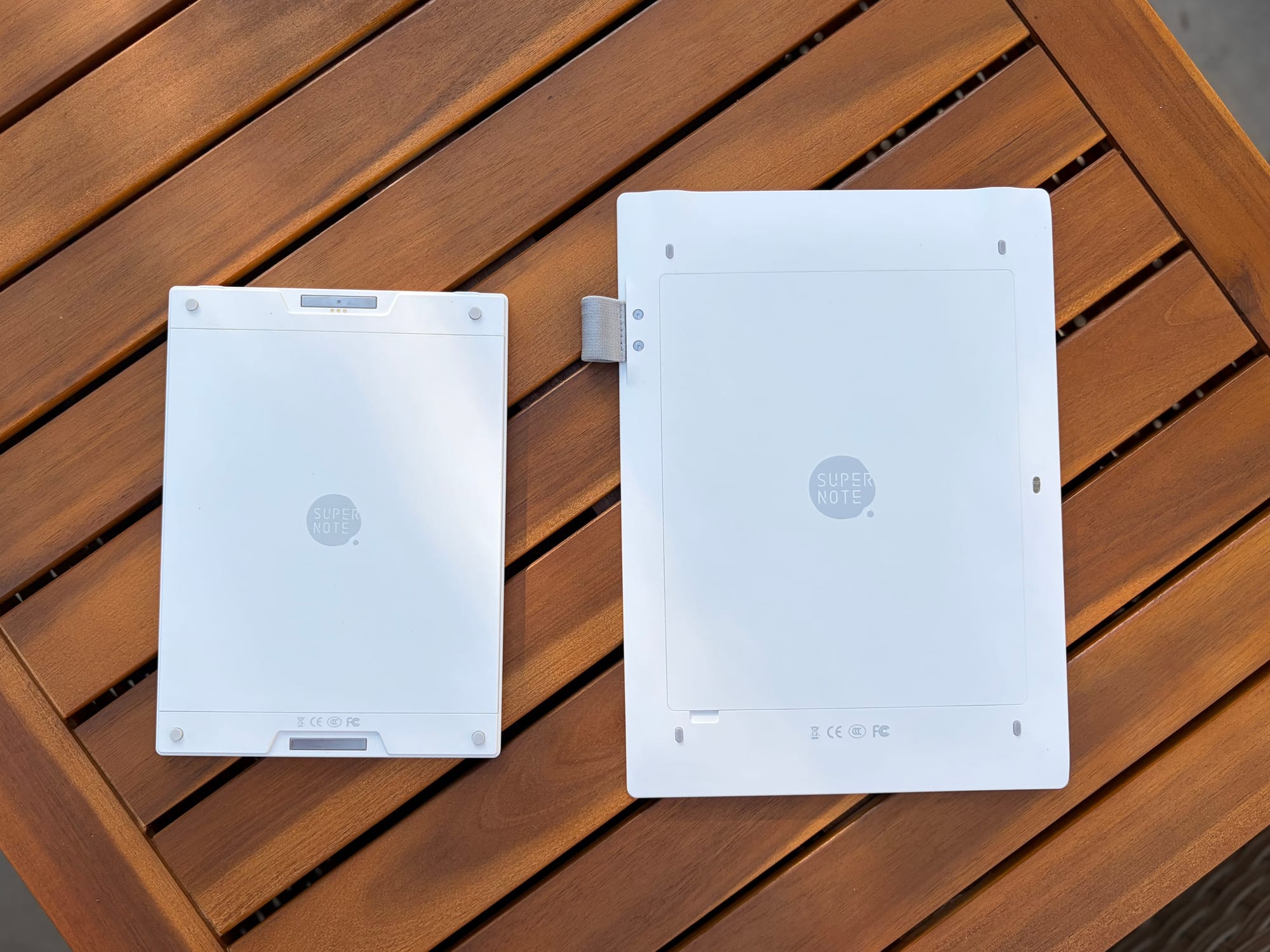
The white edition Nomad, and the only version you can get on the Manta, are unabashedly plastic-y. They both feel like plastic tablets and there is no denying that smooth plastic does feel cheap in comparison to other tablets. That being said, it doesn’t mean that it is bad. The casing on both the Nomad and Manta feel solid, and sometimes I do feel or hear a creaking or flexing when grabbing the device.
For me it isn’t a showstopper, plus I think the benefits of having a plastic case are well worth it. For example the back panel of the device can come off allowing you to replace parts either when they are broken or an upgrade is available. So if a new SOC comes out or you want to replace the battery, Supernote offers this option and actually encourages it by putting a screwdriver in the box with the device.
Another reason are that the devices feel very light. Not that aluminum is necessarily heavy like say on a reMarkable or iPad, but plastic does make it so these devices don’t weigh a ton. That being said, I have seen some people complain about discoloration and some cracking in the corners after years of use. Maybe this is rare or not really an issue but I know that the risk is there.
Both the Nomad and Manta offer different ways of protecting the device. The Manta has a cover that attaches to the side of the device, and the Nomad has magnets that connect to a case. Both in my opinion or not great. They do the job, but both feel very flimsy and not high quality. Granted they are much cheaper than cases sold by reMarkable for their devices and those wear pretty bad over time and faster.
The Manta has a pen loop built-in that is attached to the back that you can remove yourself if you do not want it, and the Nomad has a pen loop on the case. No magnetic sticking the pens to these devices which is actually a pretty great feature on the reMarkables. You also get the option for adding an SD Card for expanded storage. This is an awesome feature, but one that I don’t know if I necessarily need.
The display on each device has 300 PPI which is fantastic and everything looks very sharp on it. The biggest difference between the two though are that the Nomad has a glass screen with a FeelWrite2 screen protector and the Manta is plastic. So the Manta provides more “give” when writing, which Supernote claims gives you the feeling of writing on a pad of paper.
Like I mentioned in my Move review, I don’t think digital handwriting will and ever should feel like paper. But I do think the Nomad and Manta feel really nice when writing. I don’t know if it is because both have the same screen protector but the plastic versus glass experience for me really isn’t there. Both feel pretty identical to me.
Before we move to the handwriting experience I want to quickly talk about the pens. I do really prefer the ceramic nib over softer stylus pen tips like the one for reMarkables. Not only because I never have to replace it but it is a lot more thin and provides a more premium writing experience.
The Heart of Metal pen that I got with the Nomad is nice. I don’t usually go for pens like these, but it is cool that it feels like I am using a legitimate feeling premium pen on a digital notebook. The weight is good, I like the material, and overall it is a great device. My favorite pen though is a DIY pen I made using one of Supernote’s DIY replacement tip.
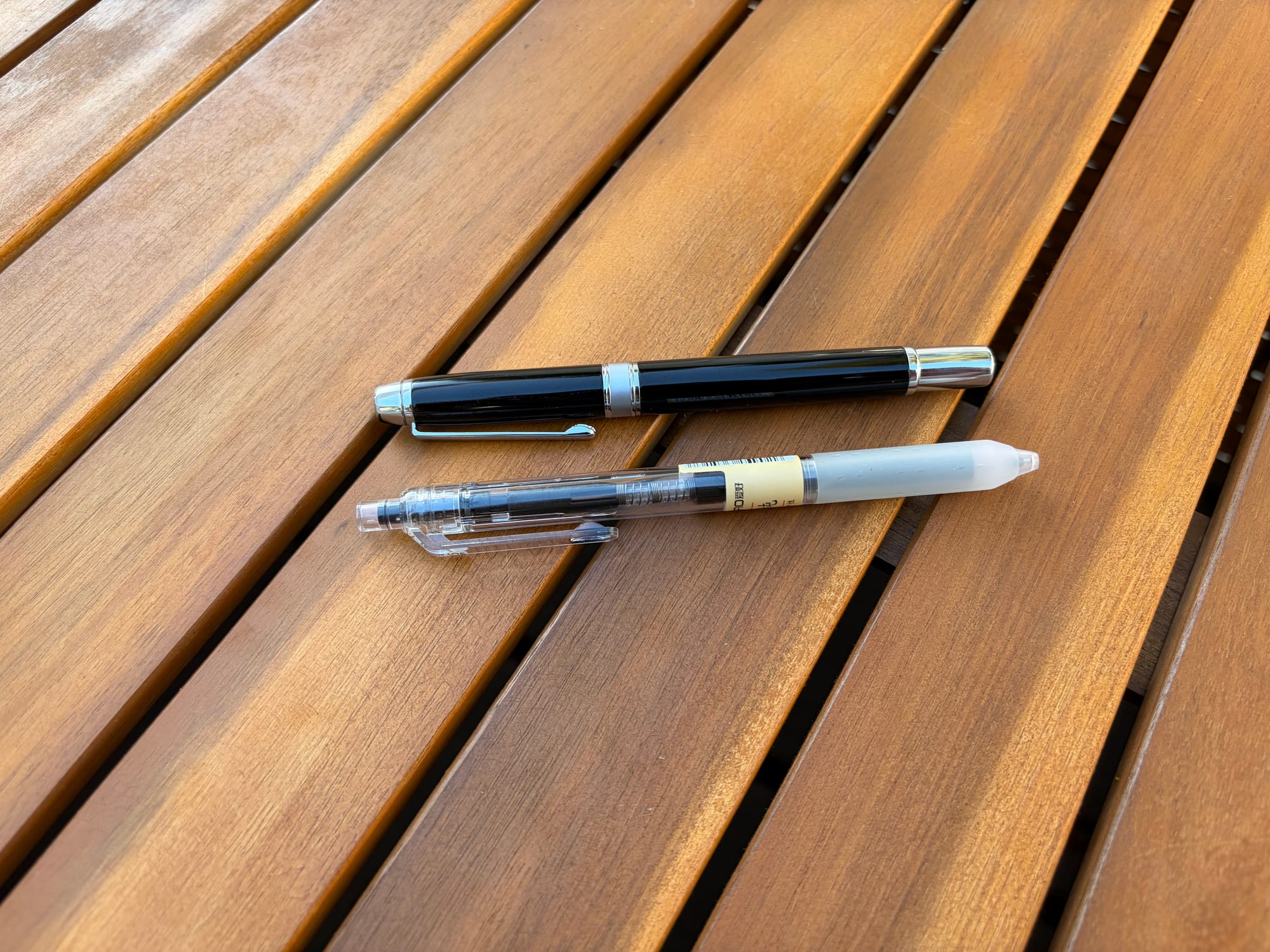
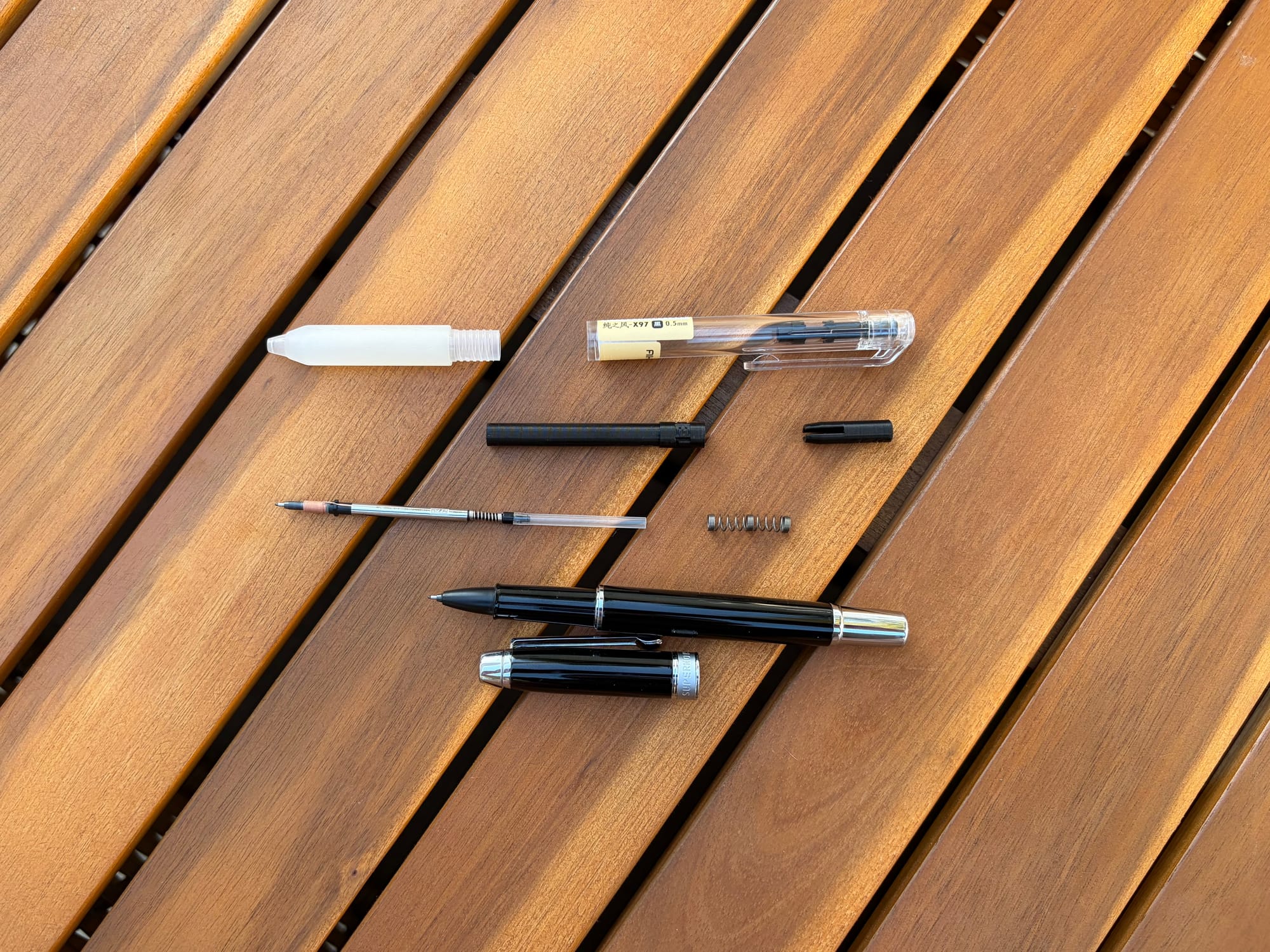
In order to use the tip I needed a custom part to make it fit in a pen that I wanted to use. I usually like to use a Sharpie Pen so I found someone on Etsy that 3D prints a part that can make the DIY tip work in a Sharpie Pen. I liked the setup, but I also have a new pen I prefer that I wanted to see if the modded part would work there also and to my surprise it did.
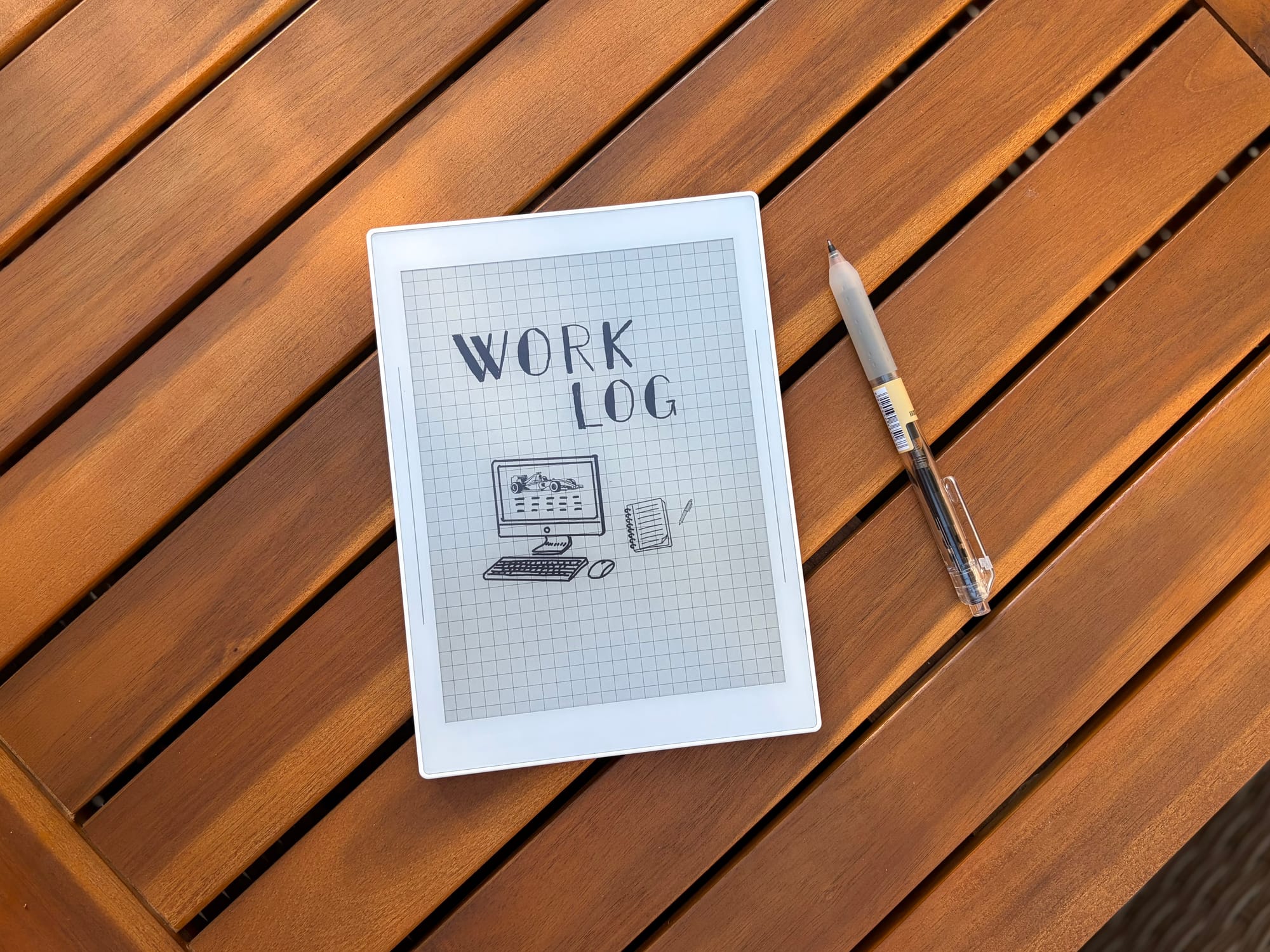
The pen that I use most often now comes from the manufacture AI HA, which has the brand czxwyst and model X97. I got a pack of 12 on Amazon for only $10 and I really have enjoyed using them. Luckily the part I got for the Sharpie Pens worked perfectly in X97 pen so I have been using that exclusively since it also the same pen that I use all day at work and when writing on paper. This is one great thing about Supernote is the fact that you can create custom tools of your own.
Speaking of customization, one other thing that I got for the Nomad specifically are lights that I got off of Etsy that connect to the pogo pins on the back. It magnetically sticks on and uses the power from the Nomad to turn the light on. Another cool feature is when the device goes to sleep, the light goes off. It provides exactly what I need, a light in low light conditions to use the device since it lacks a front light.
The only problem is that even with the lowest brightness option that I got, it is still pretty bright when in a really dark room. I can literally light up the entire area of our bed were my wife is sleeping next to me when I use it which is a little annoying. So far I haven’t got any complaints, my wife is a deep sleeper, but it is a little harsh in lighting things up.
Another issue with this specific light, and I don’t think it is the light itself but the device providing power, I do see a bit of flickering at times when the light is on which can be distracting, and it is very noticeable when I am doing things on the Nomad like switching between notebooks and apps.
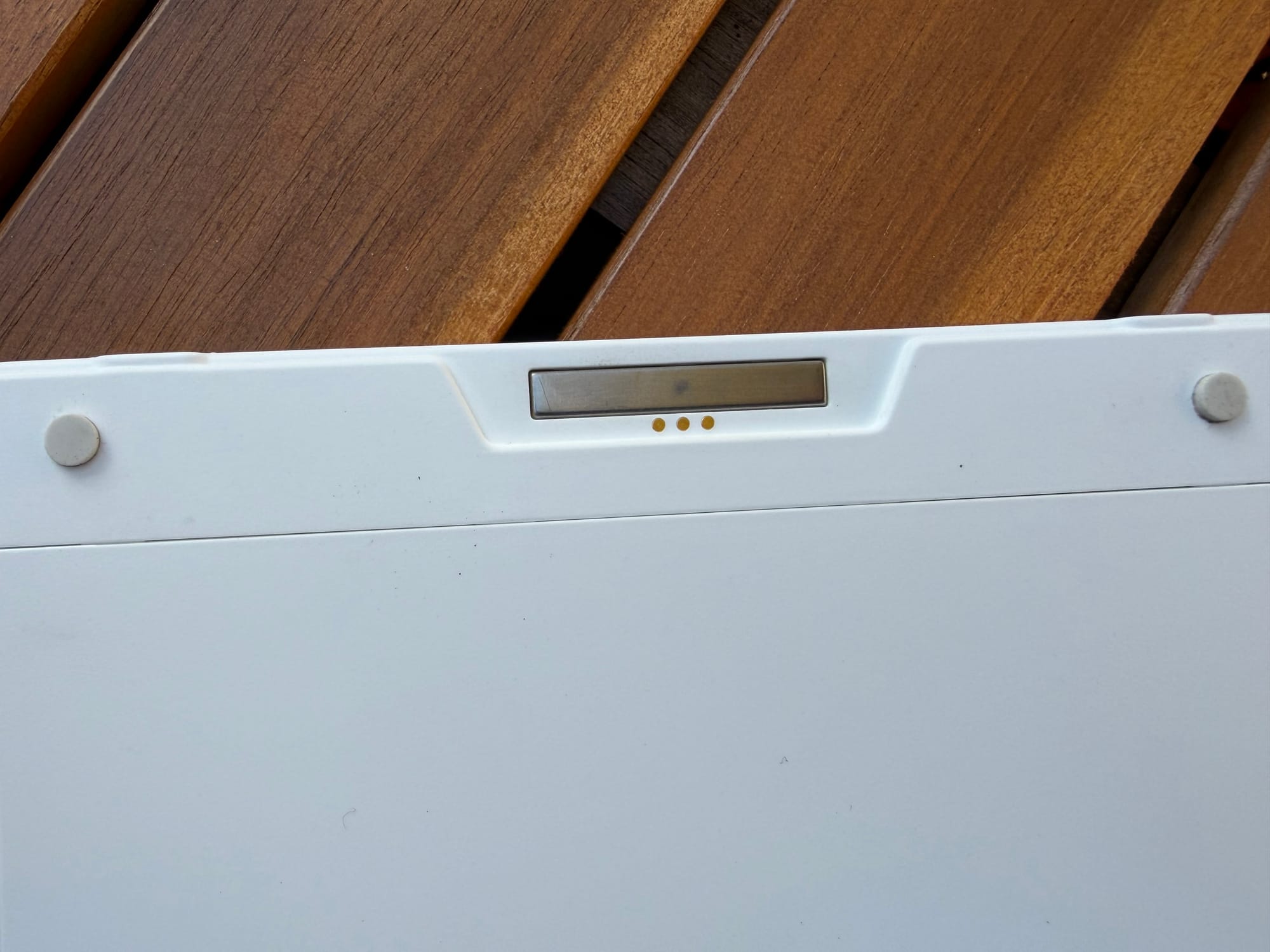
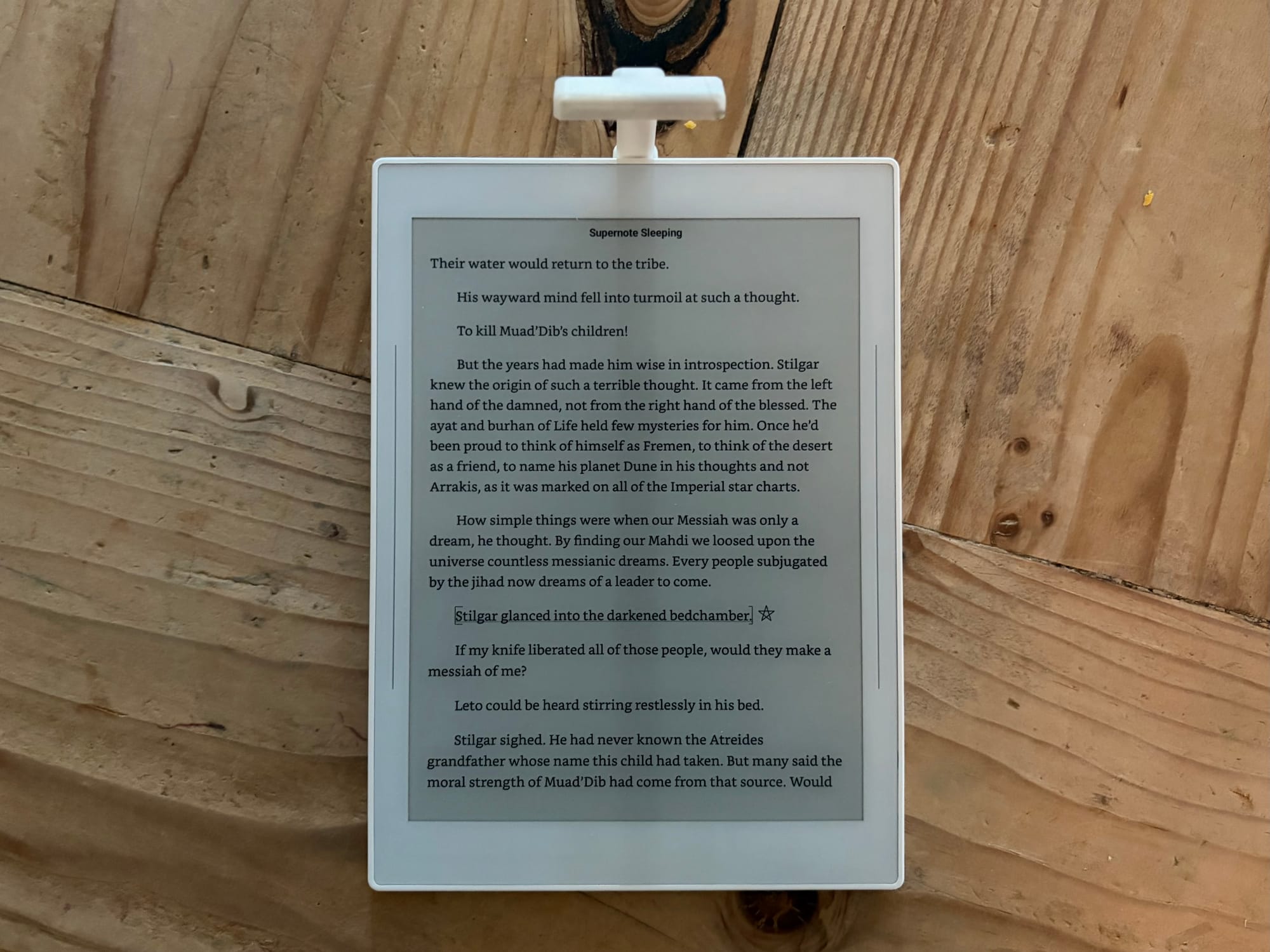
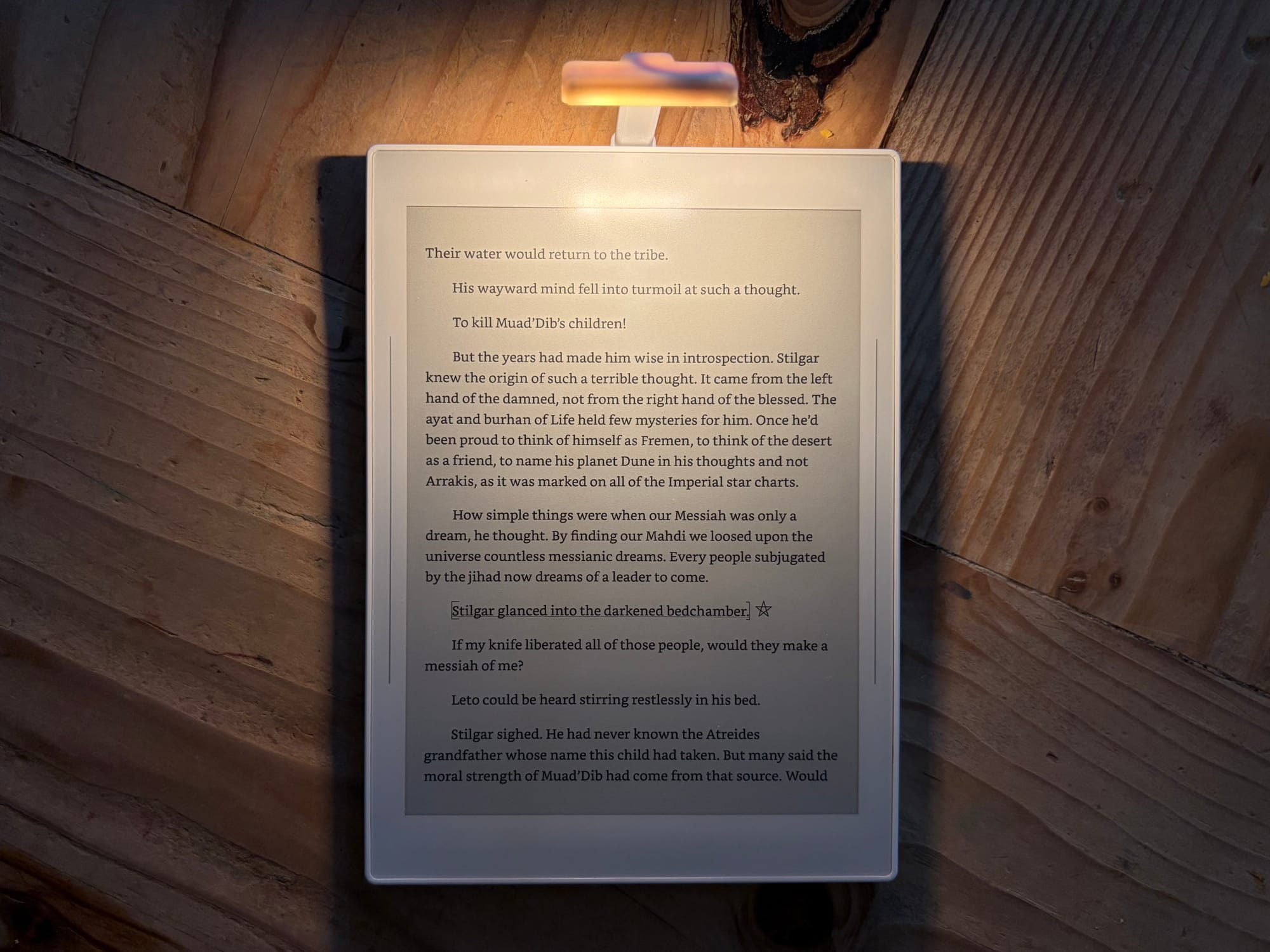
Pogo Pins on the back of Nomad and the light I got from Etsy.
It is a nice thing to have when I need it, especially when I am up late and not wanting to turn on bright lights in the house to take notes or journal, but it hasn’t been something I use a ton for reading at night like I thought I would use it for. Instead, when I am not using the Move with it’s front light, I will bust out my Kindle Voyage and use that for reading in bed at night.
Handwriting
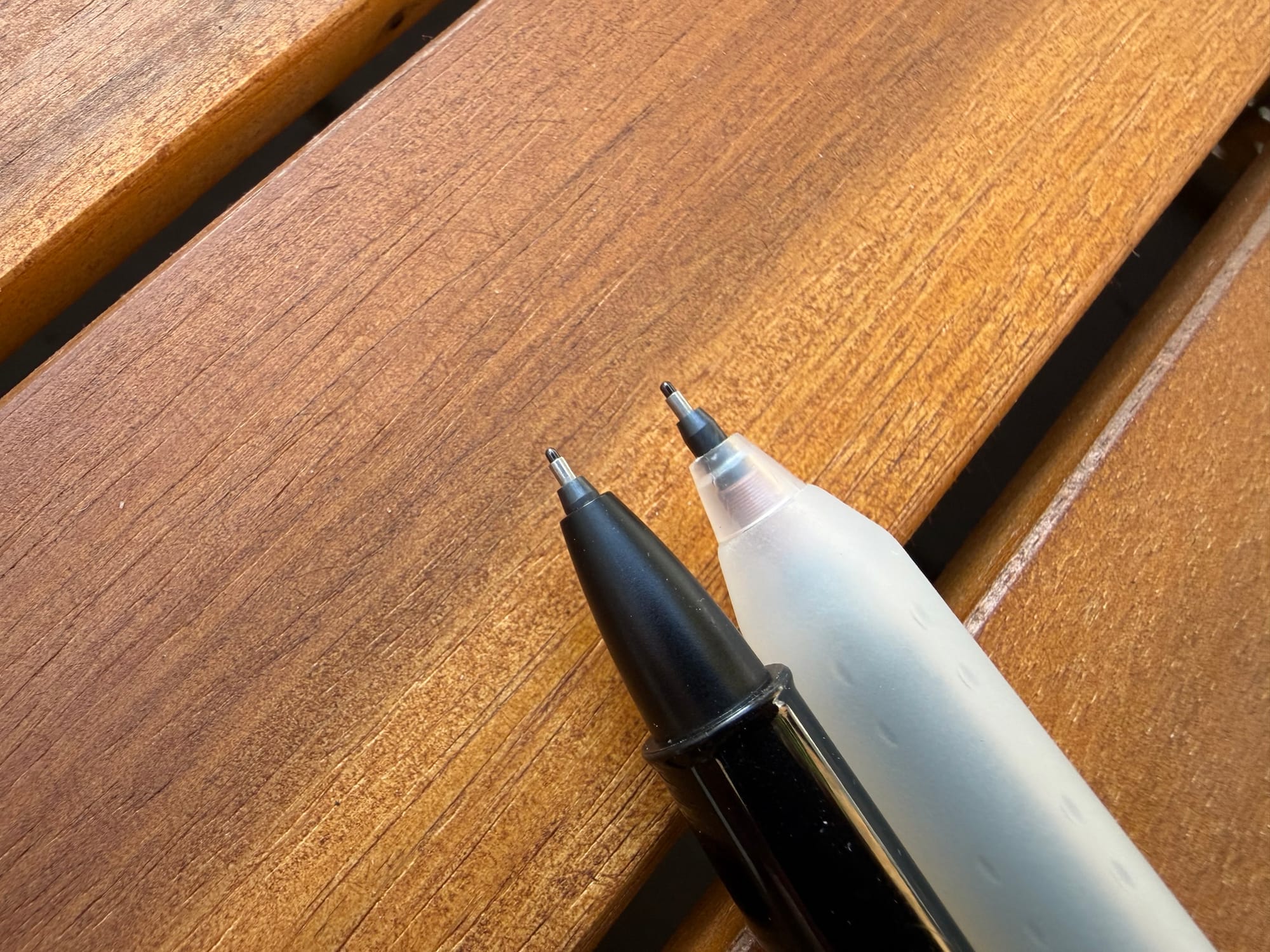
The writing feel with the ceramic nib took some getting used too. I like the texture of the FeelWrite2 screen protector but the stickiness and feeling of the ceramic nib on the screen was something I have never experienced before. You definitely get the feeling of pushing into the display, either by the pen nib moving up and down in the pen or from the softer screen protector allowing some give.
After about two weeks I got used to the handwriting experience and actually found to really love it. I felt my writing was more precise and true to how I would write on a piece of paper. I don’t know if it is the software or the hardware (of the tablet and pen) but the experience is truly nothing that I have ever used before. It made me realize how much the Move feels more like an upgraded iPad experience over giving me a whole new writing experience like the Nomad does.
I don’t know if I necessarily like the handwriting experience better than the Move, but I do like it a lot. Especially when using the calligraphy pen on the Nomad. The Moves version of the calligraphy pen makes my handwriting a bit sloppy, where the Nomads version makes my writing look very neat and fancy.
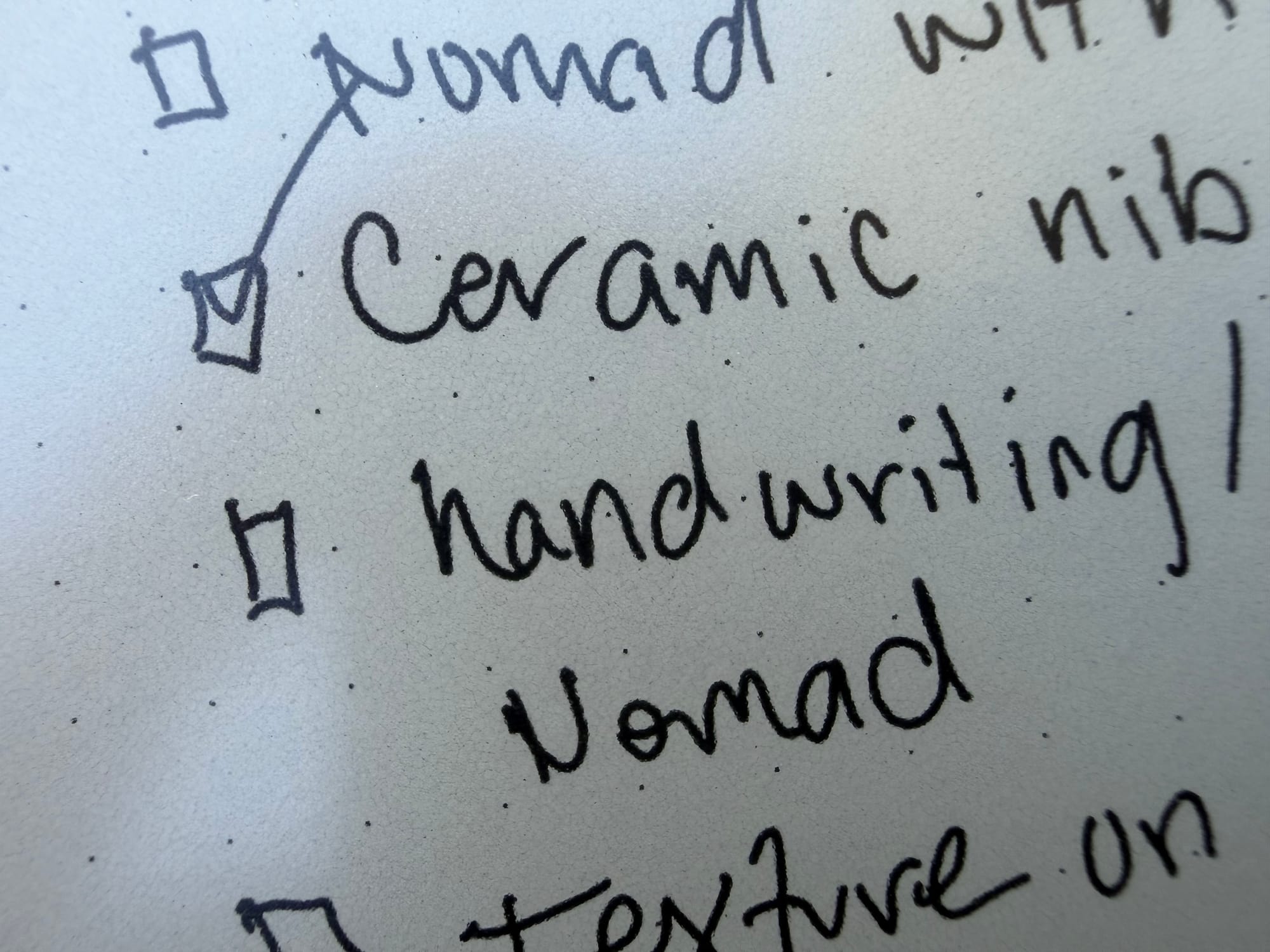
There have been a couple times that the pen goes a little wonky and after writing it will continue to add writing to the device even after I have lifted the pen above the screen. I did try and recalibrate, something Supernote offers in the settings, but also after upgrading to the beta I haven’t had the issue happen again.
Writing on the Manta or Nomad doesn’t give the same “textured” experience that you get on a Paper Pro tablet or a iPad with a Paperlike screen protector, but more of a sticky experience preventing the pen from feeling too slippery like you would find using a iPad and Apple Pencil (without a textured screen protector). It doesn’t sound like writing a pen or pencil on paper either, it really does feel like its own thing.
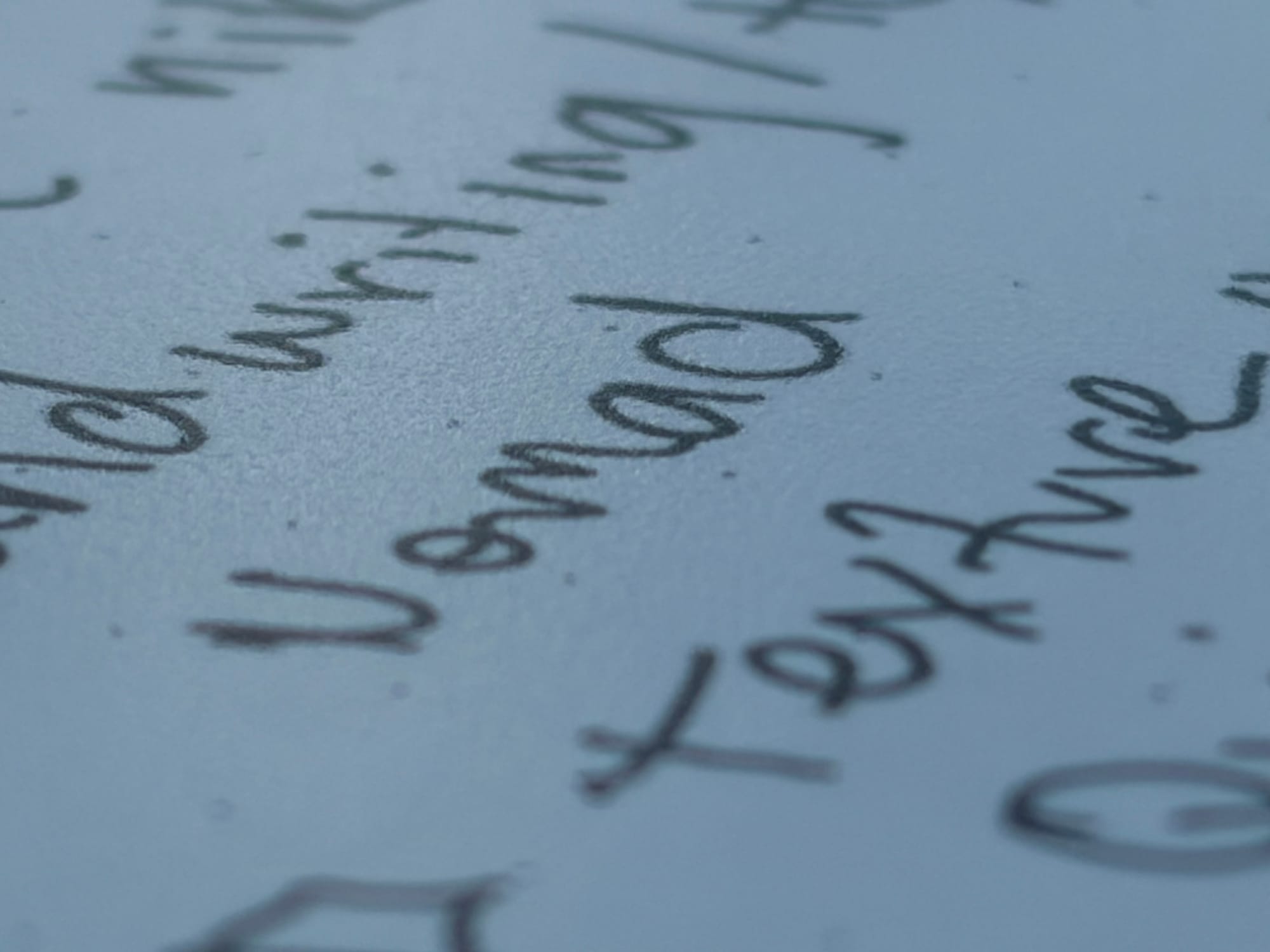
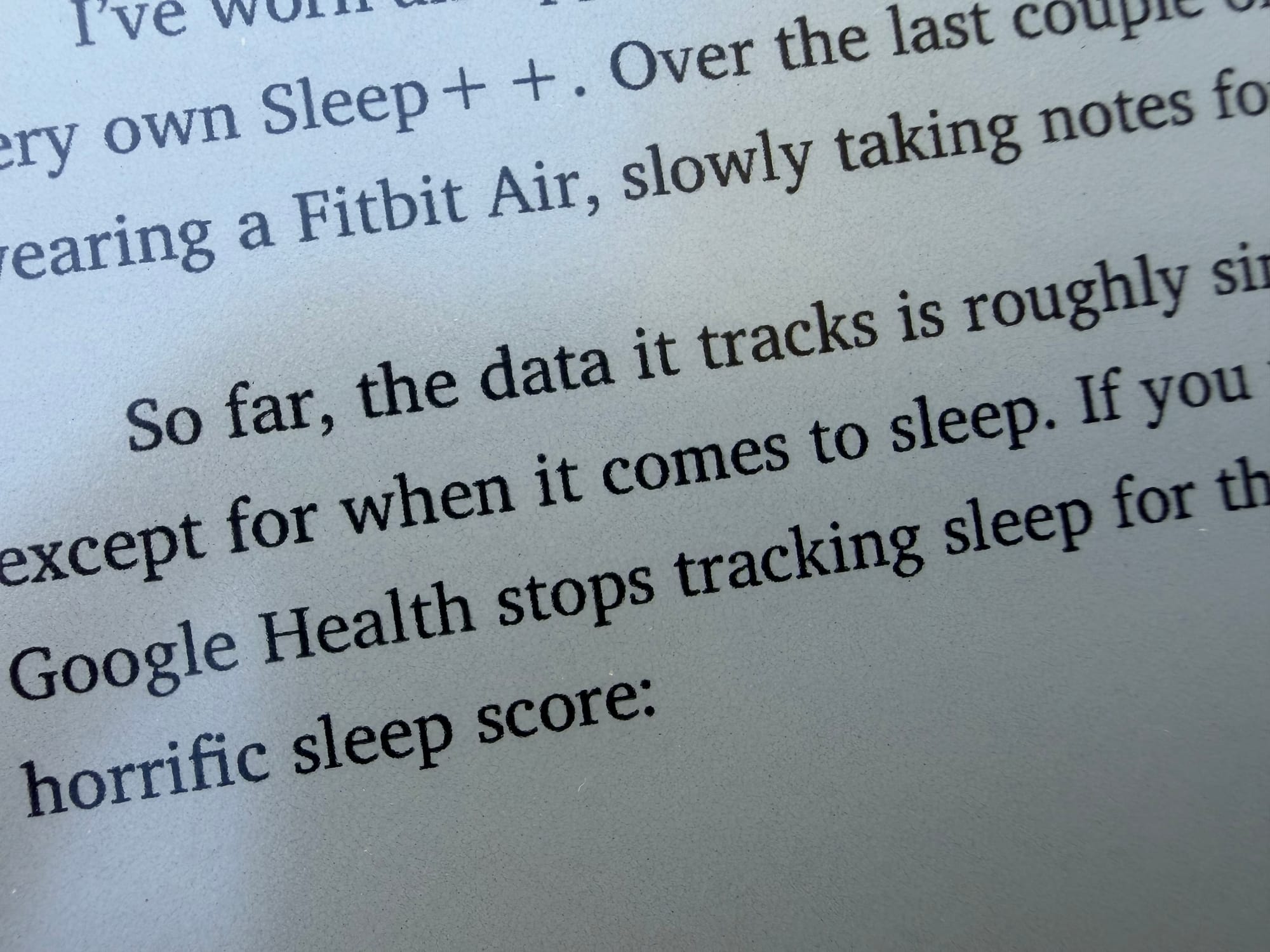
Showing the texture of the screen on the left and what text looks like on the right for the Supernote.
This isn’t bad per se, but it is unique and something you will want to literally try yourself since all other options out there really don’t match the experience. I don’t think any other epaper or eink tablet has this type of screen so to really experience it you have to try it on a Supernote.
Software
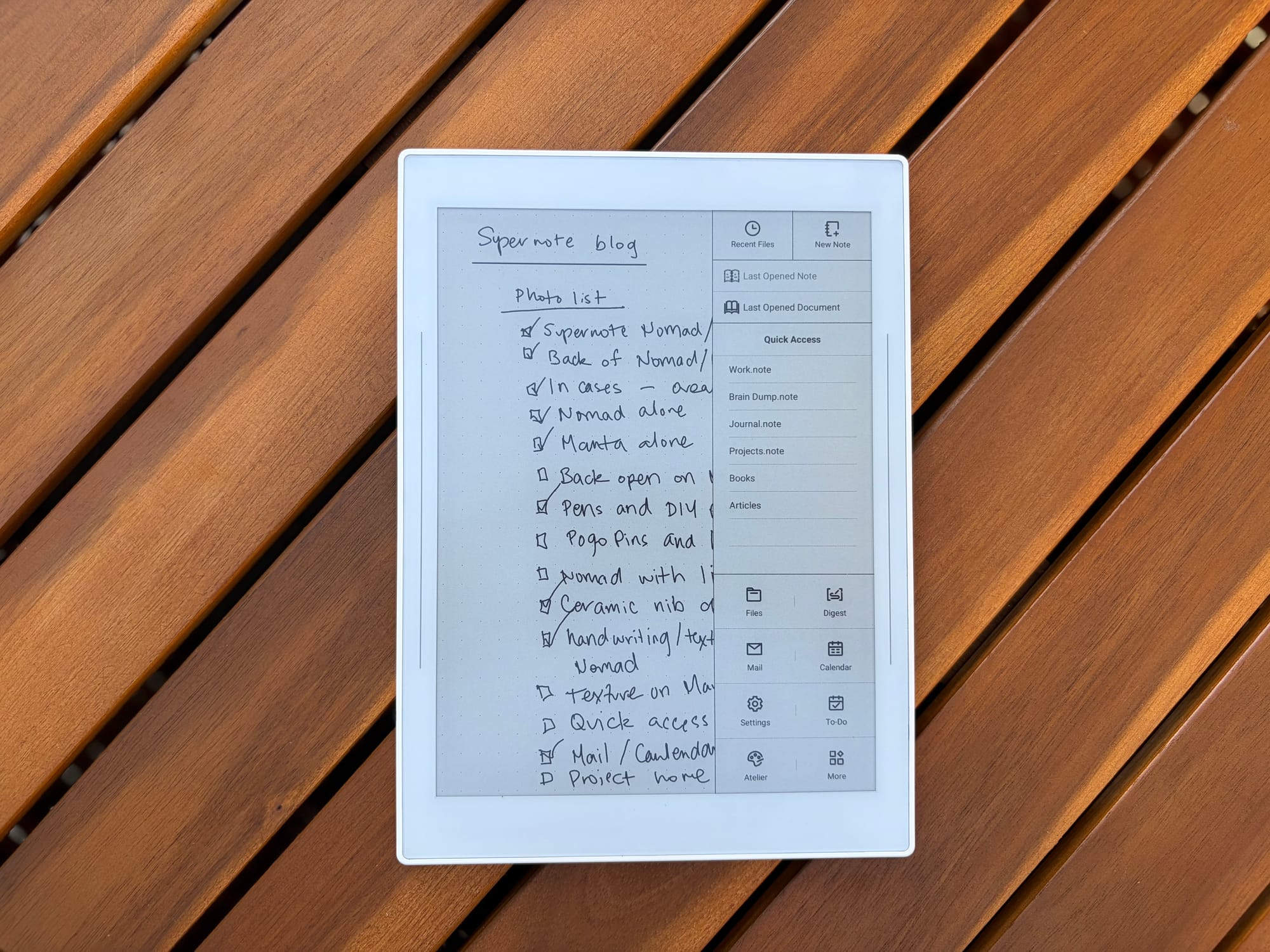
Outside of the handwriting experience is the software itself. Now this is where it has taken some time to get used too. Unlike other epaper tablets, Supernote does not have a home screen. You get a side bar to navigate throughout the tablet pretty quickly especially if you utilize the Quick Access section, but not having a home to go to was a little jarring at first.
Once you get the hang of it though, you understand why Supernote designed the software the way they did. You are supposed to just use the device and for the most part, I usually start and stop using the device with a notebook open. If I want to do something else I can, but ultimately I don’t necessarily need a home screen to go to when I just want to open my digital notebook and take notes.
Because Supernote uses Android, you also get a lot of other benefits like side-loading apps and accessing a web browser. I installed a e-ink specific browser and file explorer app to move things around easier but other than that I have tried not to install too much to keep me from being productive. Supernote also supports email and a calendar that you can connect an account to.
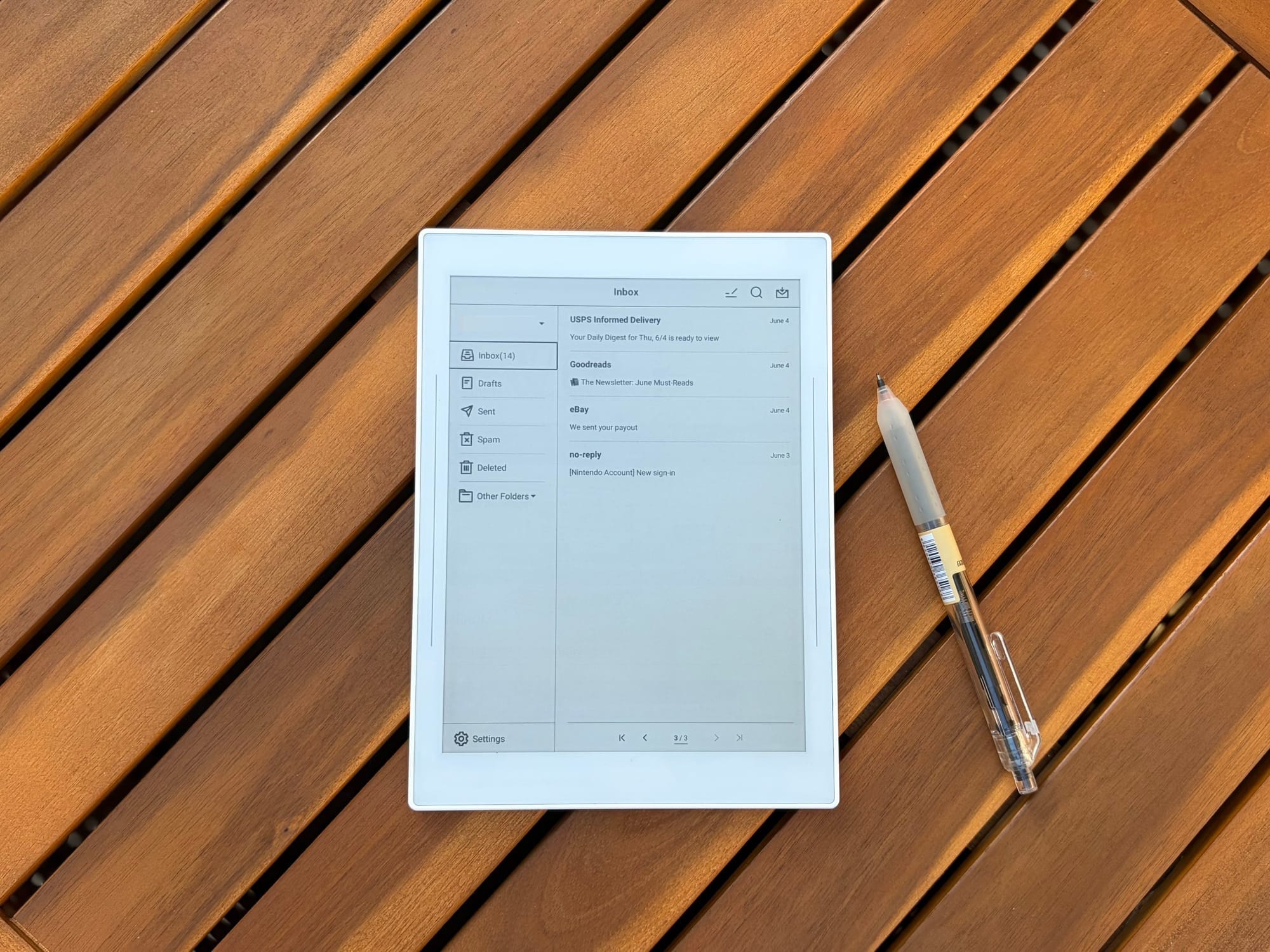
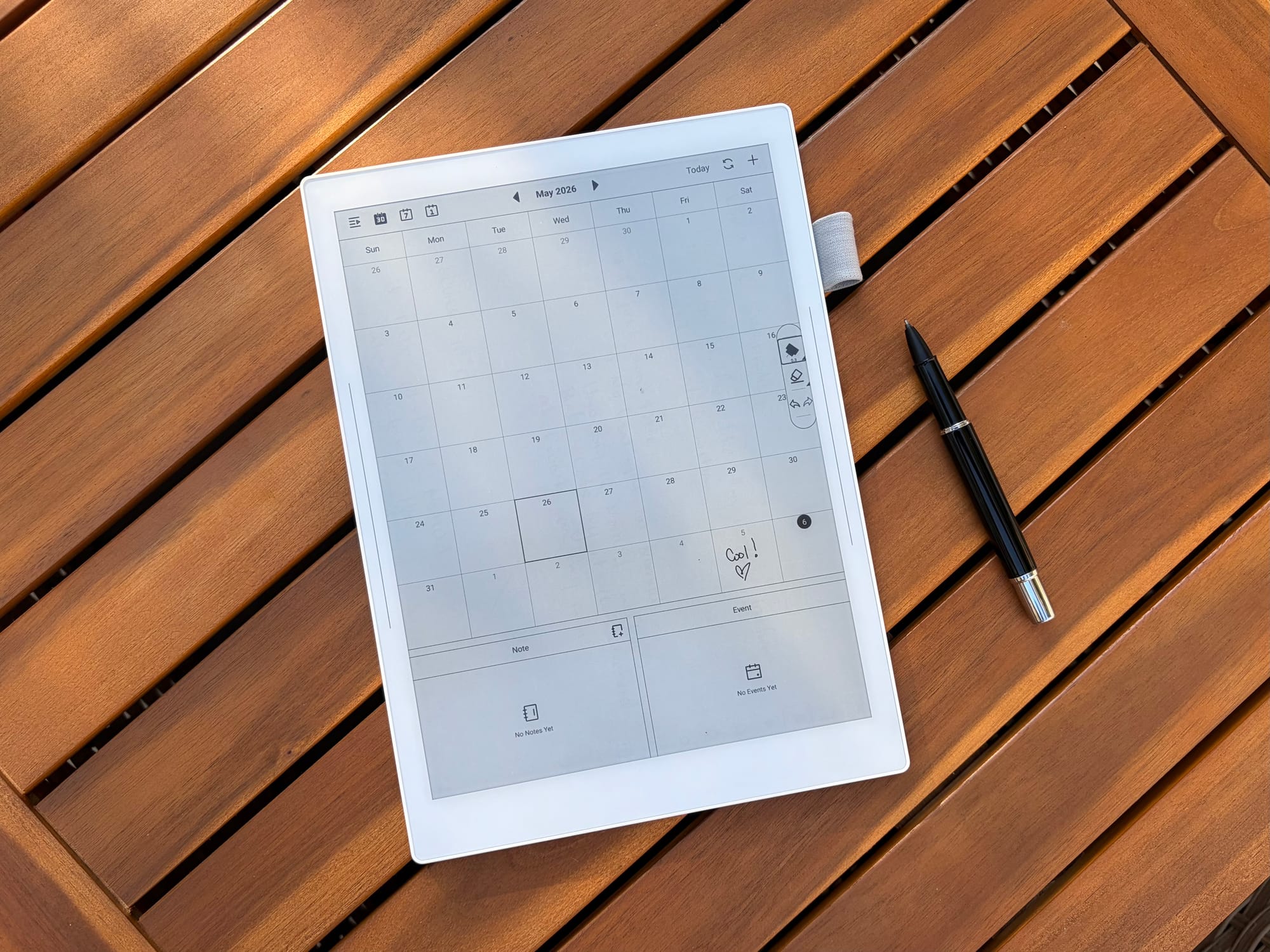
At first I avoided those abilities but eventually gave in and added an email and my outlook account to the calendar to try it out. I don’t use those features very much but if I truly didn’t want to use my phone and just stay on the Nomad, those two features are nice to have. You also get a drawing app installed, Alteir, and Inkhub to add and install stickers.
I installed the beta on my Nomad so I now also have the ability to add plug-ins, I haven’t added too many yet, but it is just another example of Supernote really giving users what they want in providing flexibility and customization to allow the device to do what you need. When comparing the Nomad or Manta to the Move, it is clear that Supernote provides you so many more options on how you want to use the device, where reMarkable is a lot more strict on keeping the device locked to how they want you to use it.
A couple of other features that are built-in are Tasks and Digest. Again, I haven’t really tried these features out too much, mostly because of the learning curve to understand how they work and how I can make them useful to me, but also my main goal is to use a epaper tablet as a digital notebook first and foremost.
When writing in a notebook you do have some really cool abilities like being able to link notes or notebooks to text or an image. Creating headers or keywords to be able to jump to a part of a note quickly or keep track of specific keywords in a notebook. The sides of the Nomad also provide you additional gestures where you can use two fingers to lasso or erase something, refresh the screen, and redo or undo. It is nice but does require two hands which can be a bit annoying sometimes.
Overall Thoughts
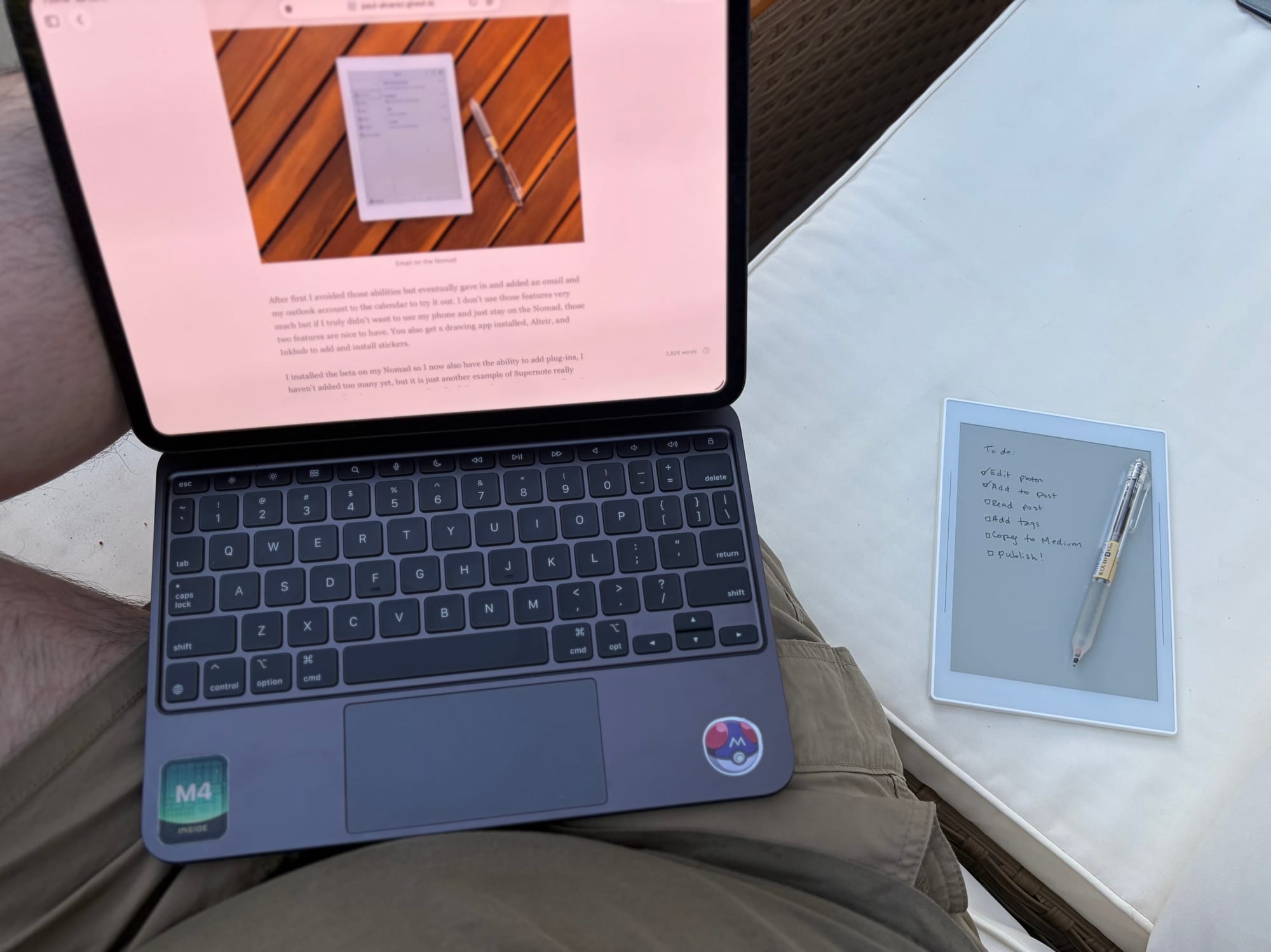
After a couple of months of using both the Nomad and Manta, I am pleased with these devices and understand better now why so many people love them. When I originally bought my reMarkable Paper Pro Move, I knew I wanted a larger device to go with it, the Paper Pro just hasn’t fit my needs and the Pure is actually the device I was waiting for.
As I was waiting for the Pure to arrive though, I decided to get the Manta go with my Nomad to see if that pairing would be better than a Move-Pure pairing. I will have an upcoming post comparing the two “pairing” but I am glad that I did get a Manta to go with the Nomad. I like that the size of the Nomad is larger than the Move, but the Manta provides so much more room when I am using it at my desk at work.
The Manta has stayed at my desk at work, while my Nomad comes home with me each day. The setup works great and I think having both really adds to the experience in using Supernote. The other benefit is that they sync together using Supernote Cloud which is free, but I have to remember to manually sync them since I have been having issues or conflicts with auto-sync.
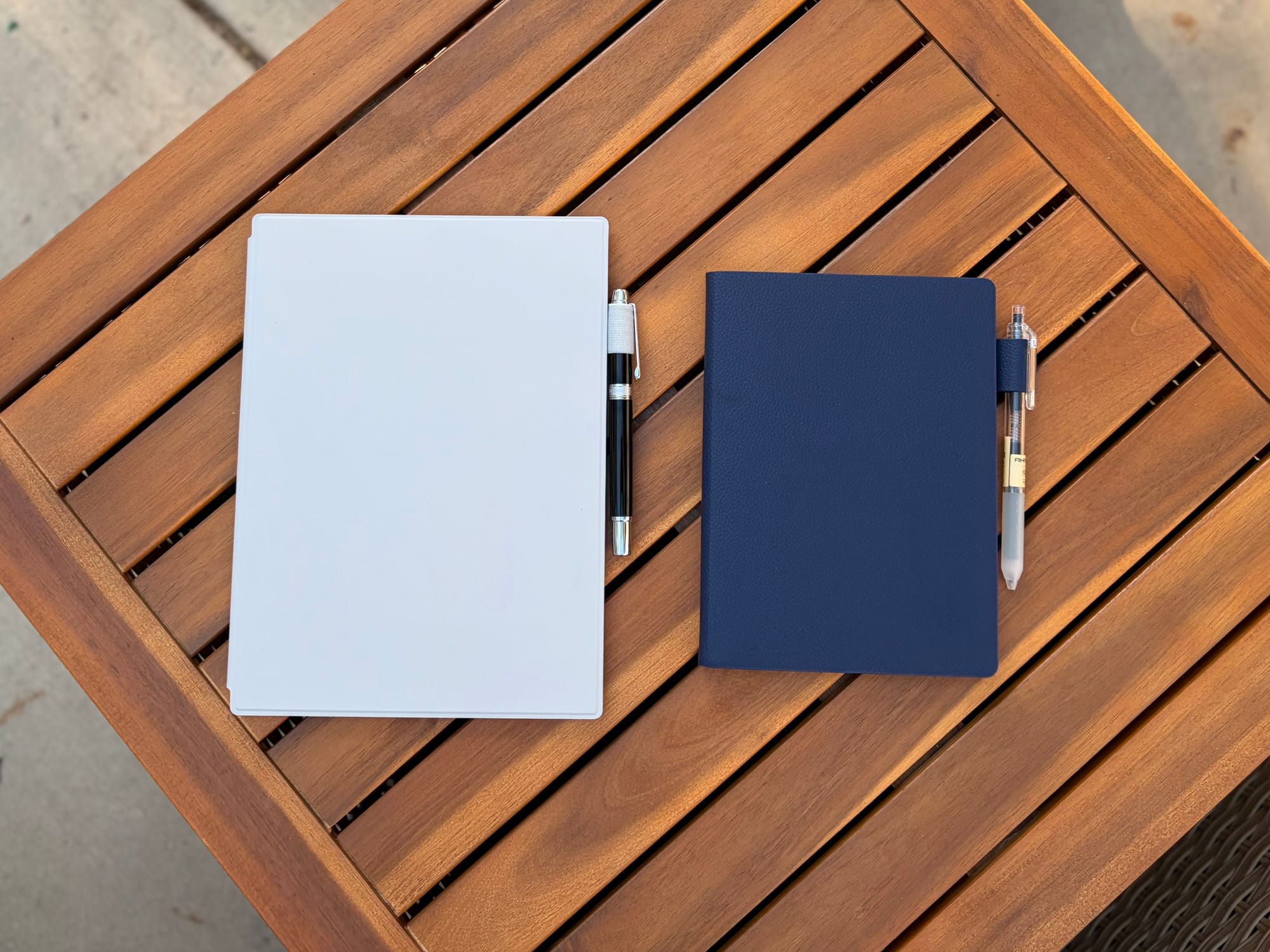
As digital notebooks Supernote not only offers great devices but unique ones. Like I mentioned before I don’t think there are any other tablets available that are like the Supernote in what they offer when it comes to handwriting experience, upgradable and replaceable hardware, and software features like gestures and plugins. The community feels solid, and Supernote is very receptive to the community which I think is also a huge plus.
So, overall I like the devices. Will they be the pairing I use over my reMarkable devices? Time will tell after I have used all these devices more. I will say that I think Supernote and reMarkable are definitely the two platforms I prefer but the back and forth between devices has been a bit daunting, so I need to make a decision soon.